Înregistrare ecran
Înregistrarea ecranului îți permite să înregistrezi și să redai toate acțiunile efectuate pe mașină.
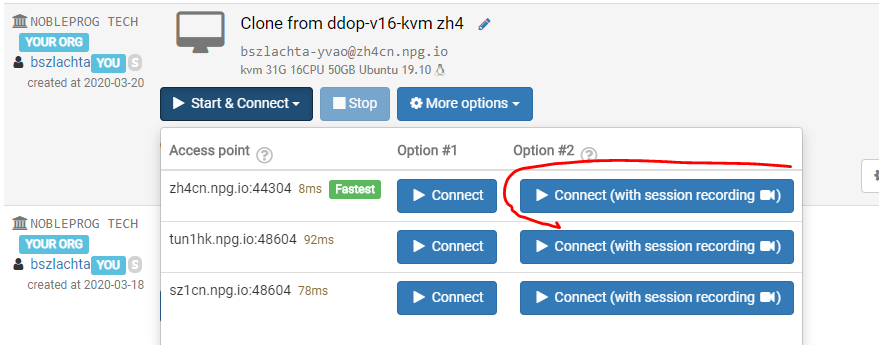
Pornește înregistrarea
Ca să pornești înregistrarea, dă click pe Start&Connect, apoi pe Connect (cu înregistrare sesiune).
Ca să oprești înregistrarea, pur și simplu închide fereastra.
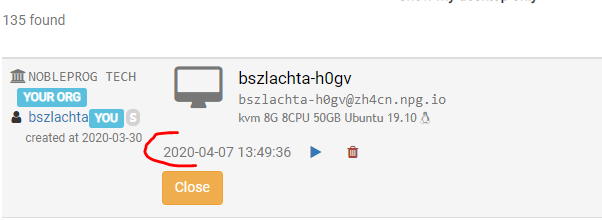
Vizualizează înregistrările pentru o singură mașină
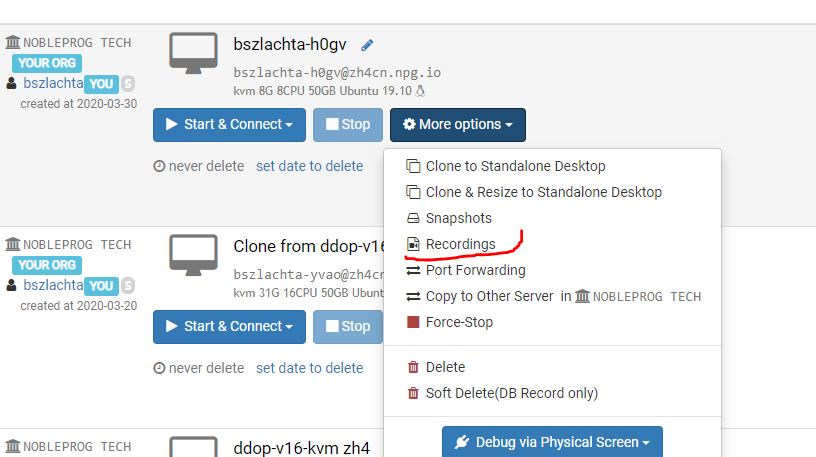
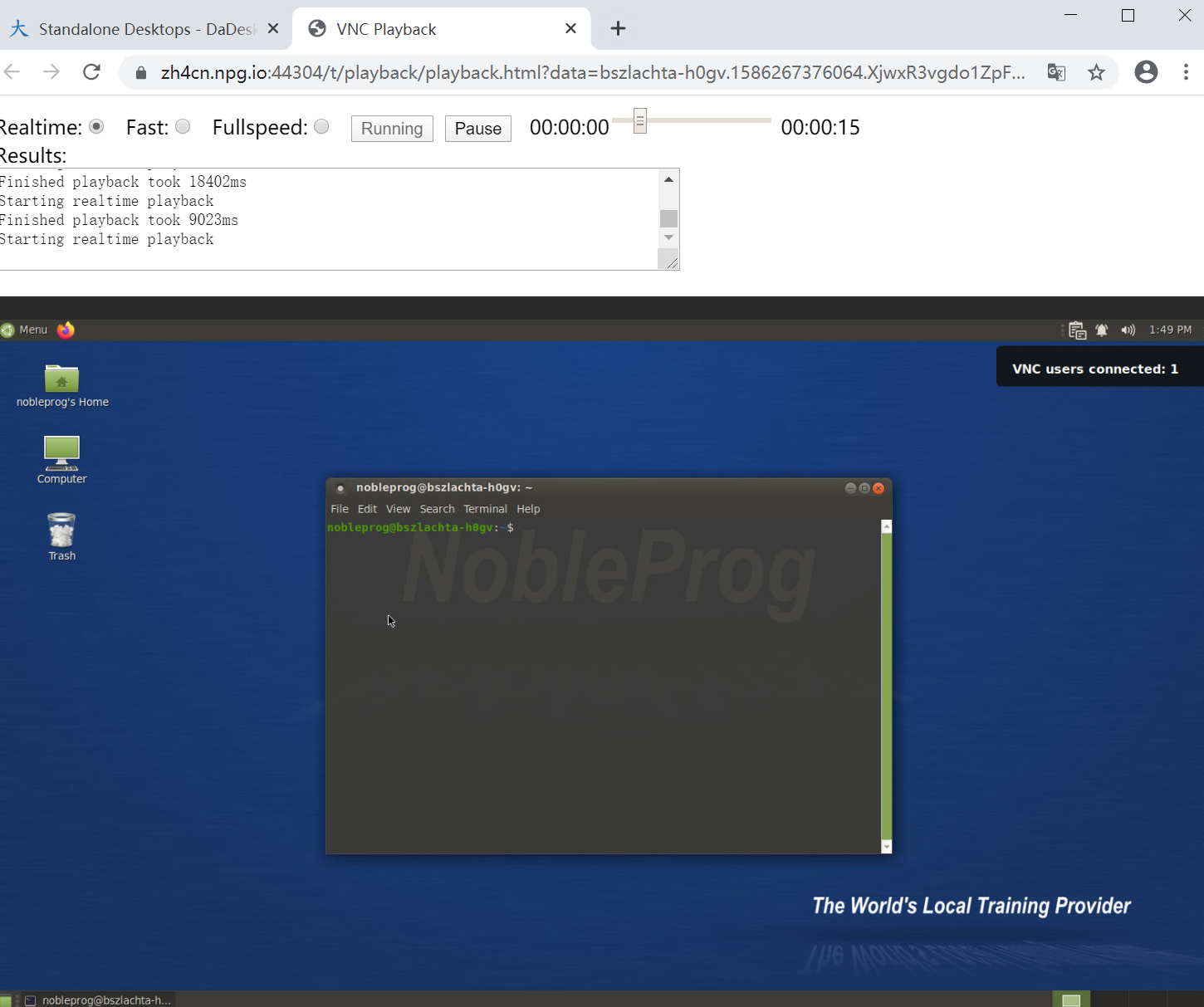
Redă înregistrarea